


Over the next few months we’ll offer two different webinars to help you make the most of OLI in your class, and each will be offered several times. We hope you can join us for one or both of them; each will last one hour.
Introduction Webinar
“Introduction” focuses on basic OLI use; how to set up your class, administer checkpoints, and use the gradebook. We’ll focus on the technical side of getting started, with a primary focus on first-time OLI users. Feel free to bring any questions you have.
- Schedule:
- Thursday May 24, 1:00 ET/10:00 PT
- Friday May 25, 12 noon ET/9:00 PT
- Wednesday June 20, 2:00 ET/11:00 PT
- Tuesday July 17, 4:00 ET/1:00 PT
Effective Use Webinar
“Effective Use” will focus on specific techniques for effectively utilizing the information about student performance that OLI gives you. The information can help you tailor your classroom activities to meet your students’ needs. In this webinar we’ll focus mostly on how to use and understand the Learning Dashboard, and we’ll touch briefly on different kinds of active learning exercises that you can use to address your students’ needs. We’ll also invite you to share your experiences with each other, or to ask questions.
- Schedule:
- Tuesday May 29, 4:00 ET/1:00 PT
- Thursday June 21, 4:00 ET/1:00 PT
- Wednesday July 18, 1:00 ET/10:00 PT
Join a Webinar
To join a webinar, go to http://cmusv.adobeconnect.com/webinars/ at the start time, and enter as a guest.
Latest News
Torus Version 33: Smarter Insights, More Powerful Adaptive Learning, and Streamlined Course Management
Torus Version 33 is one of the platform's largest releases to date, introducing the Instructor Intelligent Dashboard, significant Adaptive Pages enhancements, a comprehensive Template Management overhaul, accessibility improvements, and 151 total platform updates designed to improve teaching, learning, and course administration.
Torus Version 32b: Accessibility, Mobile Refinements, and High-Impact Fixes
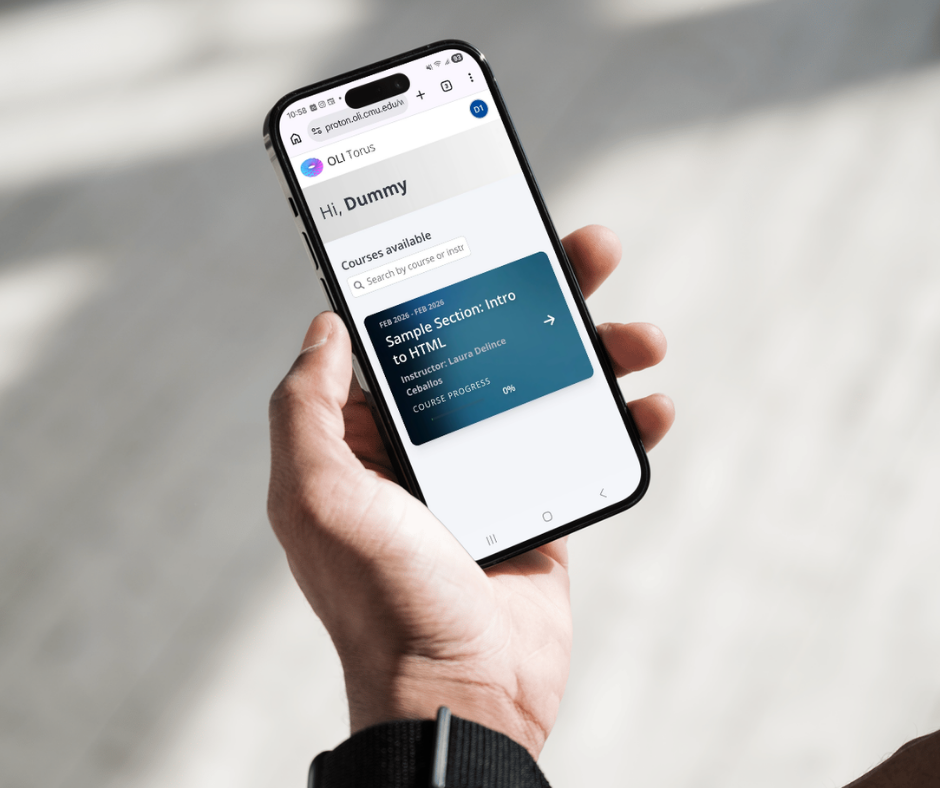
Torus Version 32b is a focused addendum to Version 32, delivering meaningful improvements in accessibility, mobile responsiveness, admin workflows, and instructor analytics. This release also resolves several high-impact issues affecting proficiency filtering, course copying, and activity bank metadata. While compact in scope, 32b strengthens usability, reliability, and inclusivity across the platform.

Torus V.32 Accelerates Admin Workflows and More Actionable Instructor Analytics
Adds Score-as-You-Go feedback, redesigned scheduling, LTI integration, and cleaner data exports for smoother teaching workflows.
Design Demo ·
Demo Video ·
Release Notes (coming soon)