


On May 27, 2026, the Torus team released Version 33, one of the largest updates to the platform to date. This release includes 151 improvements across Torus, including 87 new features, 44 bug fixes, and 20 technical enhancements. Together, these updates introduce powerful new instructional insights, expand the capabilities of Adaptive Pages, and simplify course management for authors and administrators.
Introducing the Instructor Intelligent Dashboard
Version 33 introduces the new Instructor Intelligent Dashboard, a centralized workspace designed to help instructors quickly understand course performance and identify opportunities to support learners.
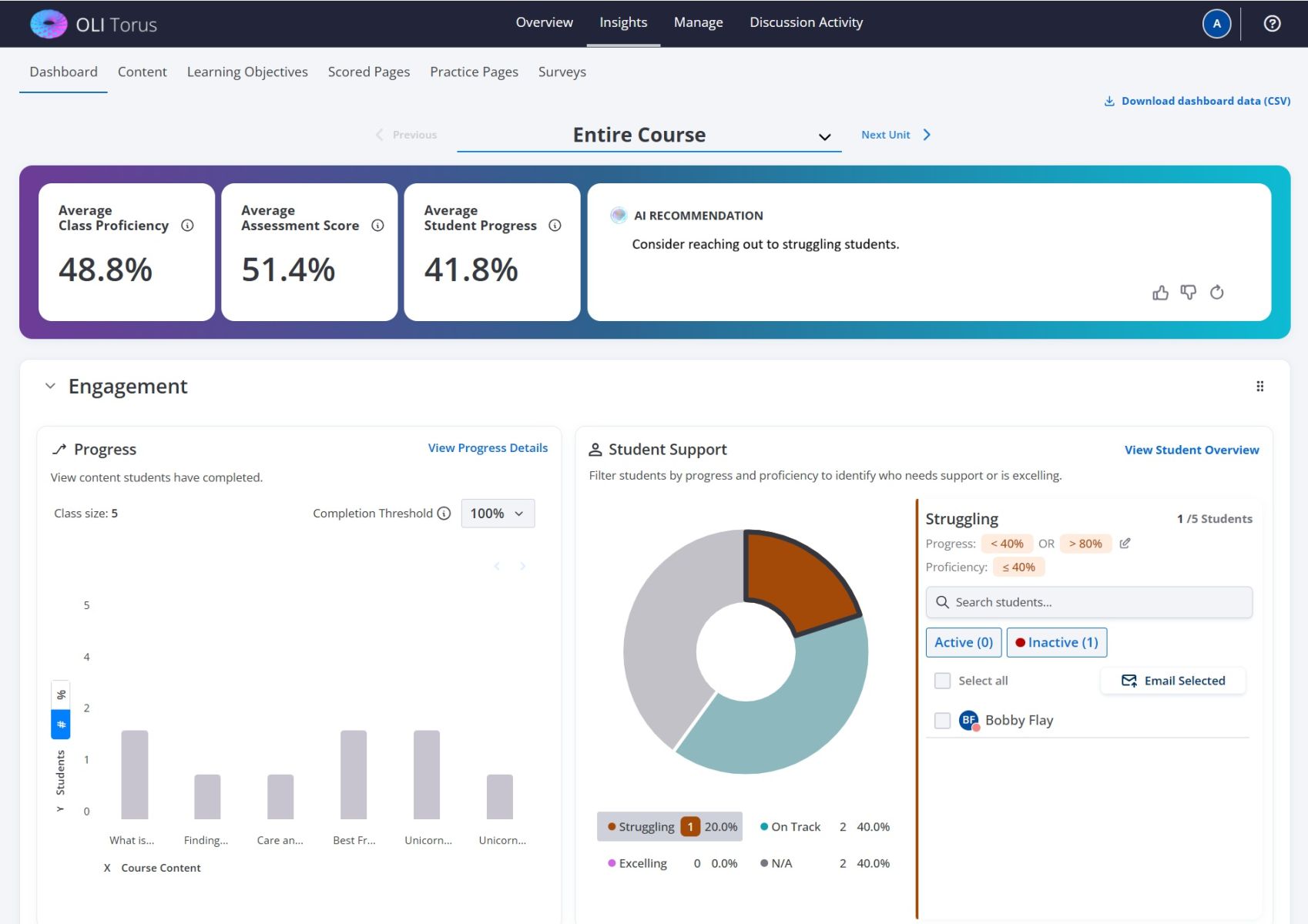
Screen capture of the instructor intelligent dashboard
The dashboard surfaces key insights such as student progress trends, challenging learning objectives, and students who may need additional support. New AI-powered recommendations help instructors interpret course data and take action, including generating outreach emails based on student performance patterns. Instructors can also customize dashboard views, apply filters, and export dashboard data for further analysis.
By bringing critical insights together in one place, the dashboard helps instructors spend less time searching for information and more time supporting student success. To start using instructor AI features in your course sections, request a Torus admin to enable this feature for each course section as needed.
Improved Product Management
Version 33 modernizes course organization and management workflows through a series of template-related improvements.
The platform now uses the term Template in place of Product, providing terminology that more accurately reflects how content is reused and managed throughout Torus. Authors and administrators can now preview templates, track usage, manage updates more effectively, and configure course defaults directly at the template level.
These updates make it easier to maintain consistency across courses while simplifying large-scale content management.
Accessibility, Usability, and Platform Improvements
Version 33 includes a wide range of accessibility and user experience enhancements across the platform. Improvements include stronger support for image alt text, video captions and transcripts, accessible image carousels, and additional accessibility support within Adaptive Pages.
The release also introduces numerous workflow refinements across student, instructor, authoring, and administrative experiences, helping users complete common tasks more efficiently.
Looking Ahead
Version 33 represents a major step forward for Torus. From the new Instructor Intelligent Dashboard to expanded adaptive learning capabilities and streamlined template management, this release delivers meaningful improvements for instructors, authors, administrators, and learners alike.
For a complete list of changes included in Version 33, please refer to the release notes. As always, we thank the Torus community for the feedback and collaboration that continue to shape the future of the platform.
Latest News
Torus Version 33: Smarter Insights, More Powerful Adaptive Learning, and Streamlined Course Management
Torus Version 33 is one of the platform's largest releases to date, introducing the Instructor Intelligent Dashboard, significant Adaptive Pages enhancements, a comprehensive Template Management overhaul, accessibility improvements, and 151 total platform updates designed to improve teaching, learning, and course administration.
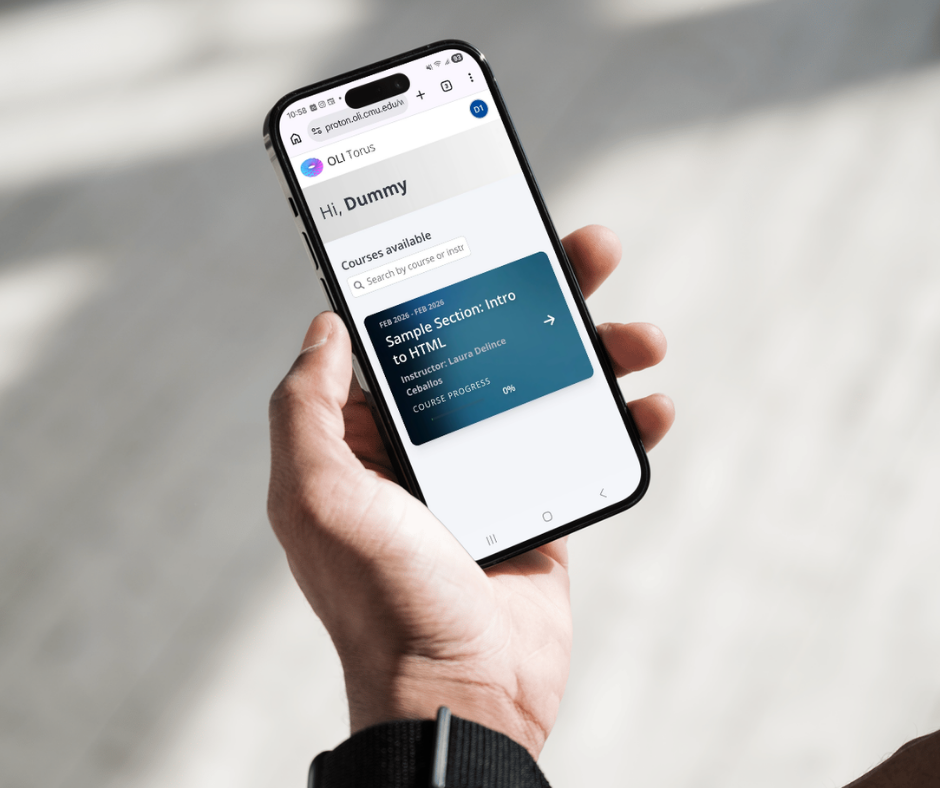
Torus Version 32b: Accessibility, Mobile Refinements, and High-Impact Fixes
Torus Version 32b is a focused addendum to Version 32, delivering meaningful improvements in accessibility, mobile responsiveness, admin workflows, and instructor analytics. This release also resolves several high-impact issues affecting proficiency filtering, course copying, and activity bank metadata. While compact in scope, 32b strengthens usability, reliability, and inclusivity across the platform.

Torus V.32 Accelerates Admin Workflows and More Actionable Instructor Analytics
Adds Score-as-You-Go feedback, redesigned scheduling, LTI integration, and cleaner data exports for smoother teaching workflows.
Design Demo ·
Demo Video ·
Release Notes (coming soon)