


OLI’s authoring tool, Echo, received several new features in February.
Survey / My Response
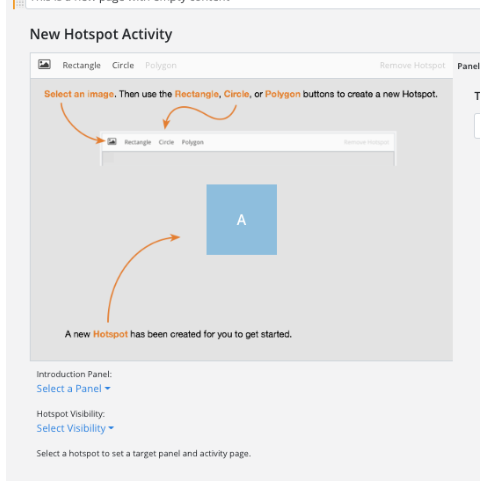
Hotspot activities
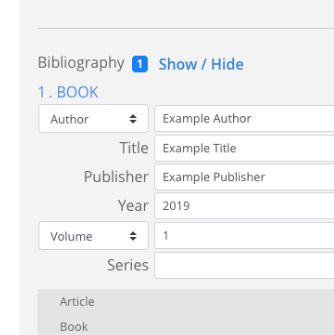
Citations / bibliography
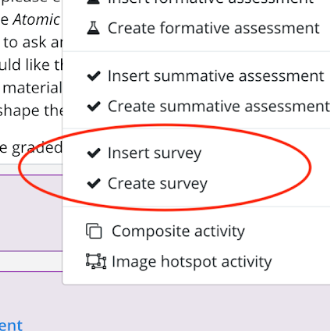
“My Response” assessments have always been a traditional option for adding metacognitive, reflective questions in an OLI course. Echo now enables you to build a My Response or author questions that require a Likert-Scale.
Create virtual labs and other dynamic, interactive activities that present different material to the student based on the hotspot area the student selects.
You now have the ability to add in-text citations and bibliographic information to a page. It’s easy to do with the form fields at the bottom of the authoring interface for a page. Upon viewing the page, the reference is appropriately formatted depending on the type of citation it is.
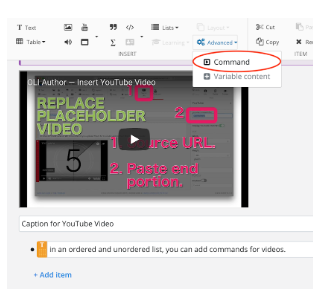
Triggering media actions
New control features, called “Command,” for media and images enable you to impose custom start and end times for video and audio clips. You may also choose the text that triggers the control and opt whether to display it as a link or a button.
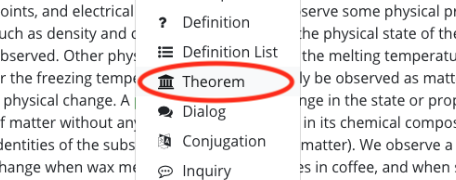
Theorem
Theorem elements are preformatted to highlight a statement, proof, and an example of a formula that you want to illustrate in this specific way to the student.
Latest News
Torus Version 33: Smarter Insights, More Powerful Adaptive Learning, and Streamlined Course Management
Torus Version 33 is one of the platform's largest releases to date, introducing the Instructor Intelligent Dashboard, significant Adaptive Pages enhancements, a comprehensive Template Management overhaul, accessibility improvements, and 151 total platform updates designed to improve teaching, learning, and course administration.
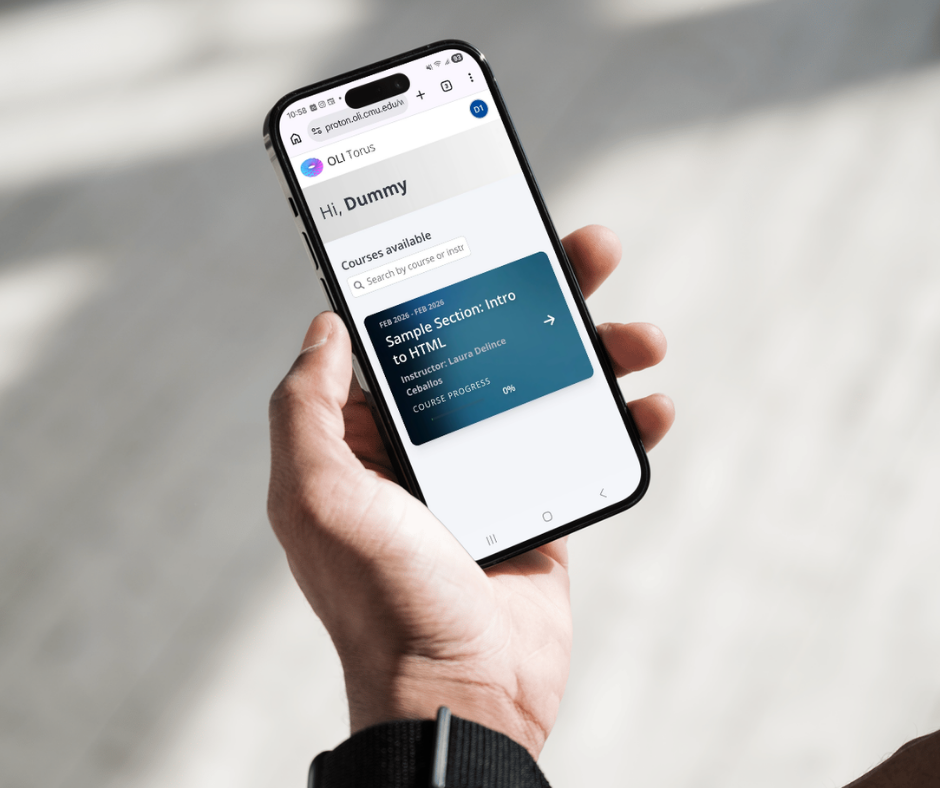
Torus Version 32b: Accessibility, Mobile Refinements, and High-Impact Fixes
Torus Version 32b is a focused addendum to Version 32, delivering meaningful improvements in accessibility, mobile responsiveness, admin workflows, and instructor analytics. This release also resolves several high-impact issues affecting proficiency filtering, course copying, and activity bank metadata. While compact in scope, 32b strengthens usability, reliability, and inclusivity across the platform.

Torus V.32 Accelerates Admin Workflows and More Actionable Instructor Analytics
Adds Score-as-You-Go feedback, redesigned scheduling, LTI integration, and cleaner data exports for smoother teaching workflows.
Design Demo ·
Demo Video ·
Release Notes (coming soon)